
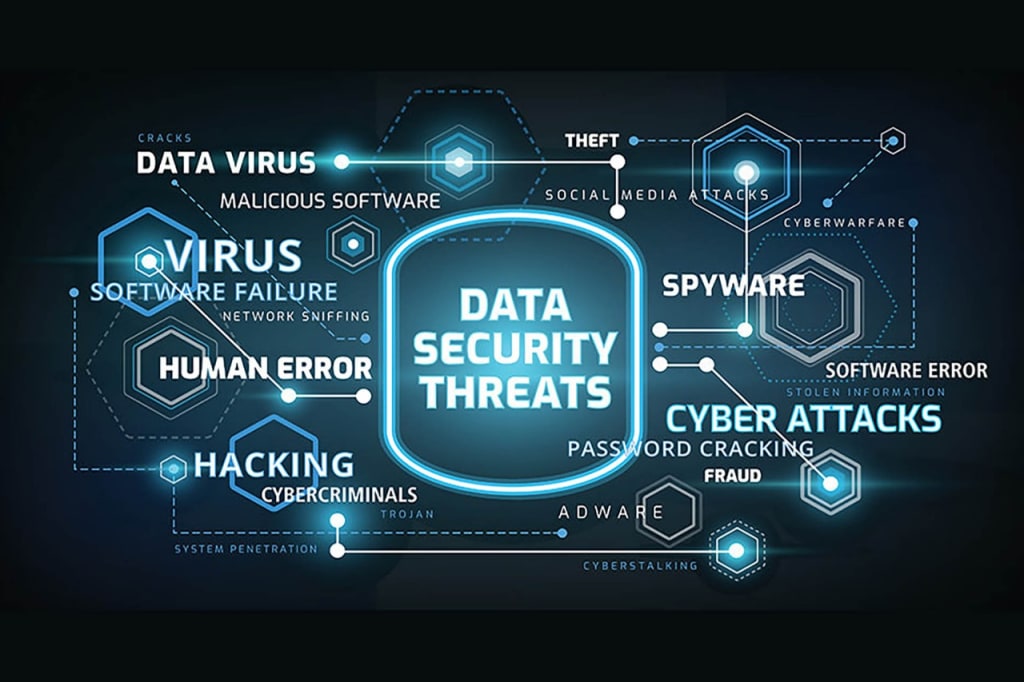
In a world where almost everything is connected to the internet, protecting your online data has become essential. Whether it’s personal information, financial data, or even health records, keeping your data secure should be a priority. Cyber threats are constantly evolving, so it’s crucial to stay ahead of potential risks. Here’s a practical guide on how to protect your data and maintain cybersecurity in today’s digital landscape.
1. Use Strong, Unique Passwords
Passwords are your first line of defense against unauthorized access to your accounts. A weak or reused password makes it easier for hackers to compromise your data. To create a secure password:
- Mix characters: Use uppercase and lowercase letters, numbers, and special symbols.
- Avoid personal info: Don’t use easily guessed details like your name, birthday, or phone number.
- Make it unique: Use different passwords for each of your online accounts to minimize risk.
To keep track of complex passwords, consider using a password manager. These tools store and generate unique passwords for all your accounts, ensuring you never have to remember them.
2. Enable Two-Factor Authentication (2FA)
Two-factor authentication (2FA) is one of the most effective ways to enhance your account’s security. Even if a hacker obtains your password, they would still need the second factor to access your account. This second factor can be:
- A code sent to your phone via text or an authentication app.
- A biometric scan like your fingerprint or face recognition.
By enabling 2FA, you add an additional barrier, significantly lowering the chances of your accounts being compromised.
3. Keep Software and Apps Updated
Outdated software is a common target for cybercriminals. Developers regularly release security patches to fix vulnerabilities that hackers could exploit. Make sure that:
- Your operating system is up-to-date with the latest patches.
- Any antivirus software you use is regularly updated to detect the latest threats.
- Apps, including web browsers and plugins, are kept current.
By enabling automatic updates, you ensure your devices always have the latest protection against security flaws.
4. Be Wary of Phishing Attempts
Phishing scams are one of the most common ways hackers try to steal personal information. These scams often come in the form of fake emails, text messages, or even social media posts that appear to come from trusted sources. To avoid falling victim:
- Verify the sender’s information before clicking on any links or downloading attachments.
- Hover over links to check if they lead to legitimate websites.
- Never provide sensitive details like passwords, social security numbers, or credit card information unless you’re sure the request is genuine.
If you receive an unsolicited message asking for sensitive information, it’s best to contact the company or person directly through official channels rather than responding to the message.
5. Use a Virtual Private Network (VPN)
Public Wi-Fi networks, like those in cafes or airports, are often unsecured and vulnerable to cyberattacks. A VPN (Virtual Private Network) helps protect your online activities by encrypting your internet connection. This encryption makes it much harder for hackers to intercept your data when using public networks.
Using a VPN ensures that your internet traffic is private, keeping your sensitive data safe from prying eyes.
6. Regularly Monitor Your Accounts and Transactions
Monitoring your bank and credit card statements for unauthorized transactions is an essential step in detecting fraud early. Most banks offer alerts for unusual activities, so take advantage of them. Also, check your:
- Credit reports regularly to spot signs of identity theft.
- Social media accounts for unauthorized logins or changes.
If you notice anything unusual, take immediate action by changing passwords, contacting your bank, or reporting the activity to the authorities.
7. Backup Your Data Regularly
Ransomware attacks can lock you out of your own files, demanding a ransom to release them. To avoid losing important data, always back up your files regularly to a secure cloud storage service or an external hard drive.
Ensure that backups are encrypted and stored in a location that’s not easily accessible by hackers. Having a backup can save you from the frustration of losing critical files in the event of an attack.
8. Be Mindful of What You Share Online
The more personal information you share on the internet, the easier it is for cybercriminals to exploit it. Be cautious with what you post on social media, especially when it comes to:
- Sensitive details like birthdates, addresses, and family names.
- Location sharing that could reveal your whereabouts in real-time.
Before sharing anything online, always think about the potential risks. Review the privacy settings on your social media accounts to limit who can see your posts.
Conclusion
Cybersecurity isn’t just about using the latest software—it’s about adopting good habits to protect yourself online. By using strong passwords, enabling two-factor authentication, and staying cautious of phishing attempts, you can significantly reduce the risk of cyberattacks. Additionally, keeping your software updated, using a VPN, monitoring your accounts, and regularly backing up your data are all essential steps in ensuring your digital safety. With these simple practices, you can better safeguard your personal information in the digital world.